Stop Overspending With This Simple Excel Expense Tracker
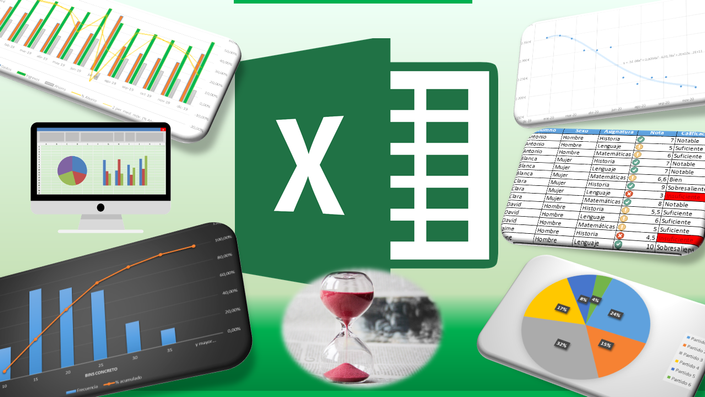
I tried multiple expense tracking apps. Some were too complex, some sent too many notifications, and most of them locked useful features behind subscriptions. I would use them for a week and then forget about them completely.
That’s when I decided to go back to something simple. Excel.
I built a personal expense tracker in Excel purely for myself. At first, it was just daily expense logging. Then I added monthly summaries, budget vs actual comparisons, savings tracking, and long-term views. Over time, the data started telling a story. Small daily expenses that felt harmless were adding up quietly over months.
Seeing everything clearly in one place changed how I handled money. I didn’t stop spending. I just started spending intentionally.
Why an Excel Expense Tracker Works Better Than Apps
Excel gives full control. There are no subscriptions, no forced categories, and no hidden algorithms deciding what you should see. You own your data completely.
This expense tracker lets you:
-
Track daily expenses by category
-
See monthly and yearly summaries automatically
-
Compare budgeted vs actual spending
-
Track savings, investments, and cash flow
-
Identify long-term spending patterns
It works on both Microsoft Excel and Google Sheets and can be reused month after month without any extra cost.

Who This Expense Tracker Is For
This tracker works especially well if you are:
-
A student managing pocket money or stipends
-
A young professional trying to control expenses
-
Someone who prefers clarity over complicated finance apps
-
Anyone tired of subscriptions and bloated features
You don’t need any finance background. If you can enter numbers in Excel, you can use this.
What Changed After Using It
The biggest change wasn’t saving more instantly. It was awareness. Once you see your spending clearly, bad habits become obvious. And once habits are obvious, fixing them becomes easier.
That’s why I cleaned up the sheet, removed my personal data, and made it reusable for others.
Download the Excel Expense Tracker
If you’re looking for a simple, structured way to stop overspending without relying on apps, you can check out the Excel expense tracker here:
👉 Download Link (GumRoad)
It’s a one-time download with no subscriptions and works long-term.


Comments
Post a Comment